



enigma gives your coding agent a senior engineer's standards, in one command. It
installs shared Dynamic Skills - security, testing, git, style, debugging - into
Claude Code, OpenAI Codex and opencode, each adapting to the agent and your config.
It adds portable git hooks that stop secrets and .env files reaching a commit,
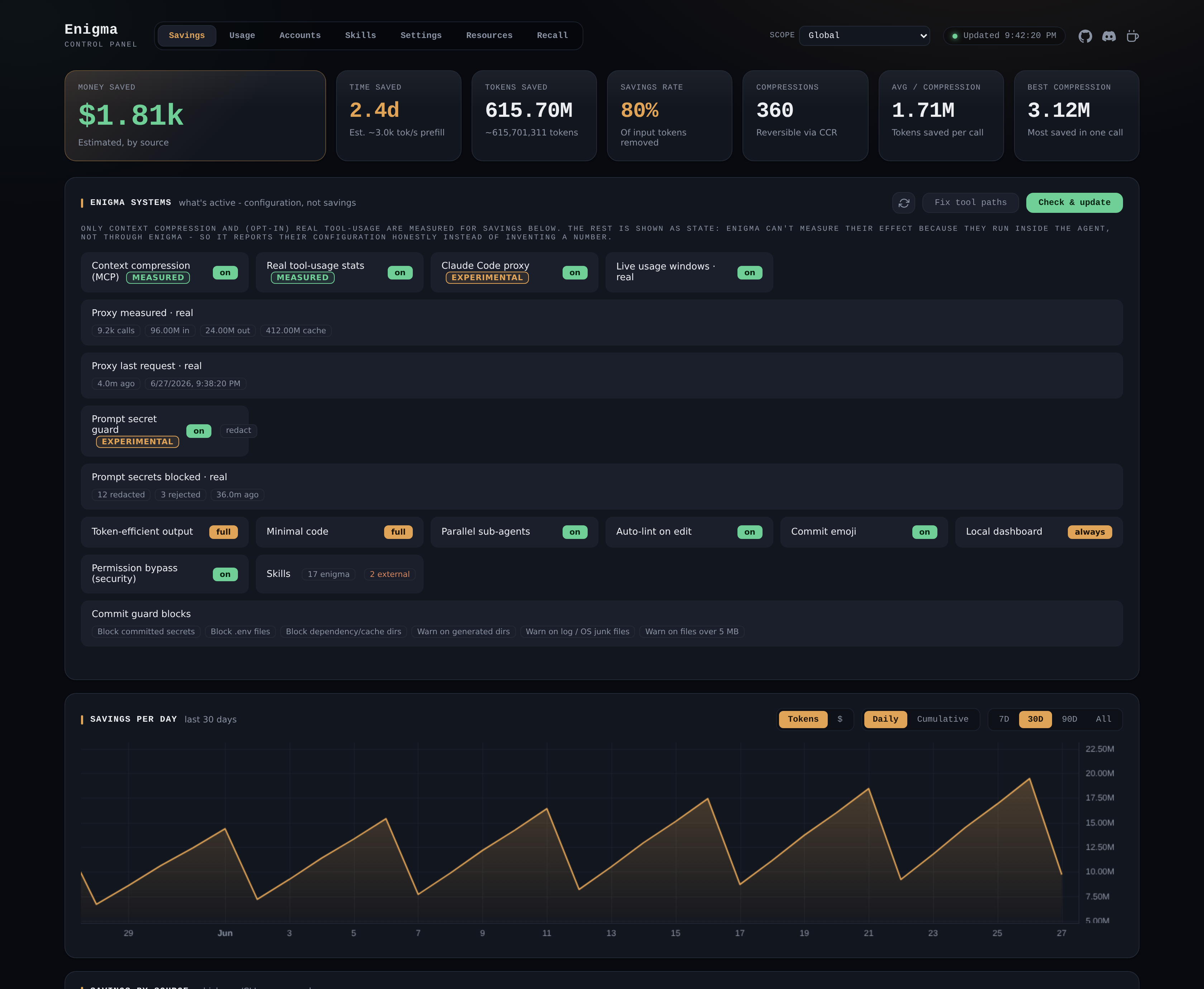
and a local dashboard to manage and measure everything. Fewer wrong turns, fewer
re-prompts, cleaner output.
Recommended - run the install script (clears the npm cache, installs the latest
version, then runs enigma install interactively so you choose what to set up -
handy where npm postinstall scripts are disabled):
# macOS / Linux
curl -fsSL https://raw.githubusercontent.com/FJRG2007/enigma/main/scripts/install.sh | sh

# Windows (PowerShell)
irm https://raw.githubusercontent.com/FJRG2007/enigma/main/scripts/install.ps1 | iex
Or install the enigma command globally, then run the interactive hub:
npm install -g enigma-cli@latest   # provides the `enigma` command
enigma                             # interactive hub: pick what to set up
Or one-shot, no global install, no prompts - deploy the skills to every supported agent at user level:
npx enigma-cli@latest install --all --yes|
Senior-engineering policies (security, testing, git, style, debugging...) on Claude Code, OpenAI Codex and opencode. Unlike a static skill, each one adapts to the agent, re-renders from your config, loads only when the task needs it, and updates itself. Discard any you don't want - it's gone everywhere until you restore it. npx enigma-cli@latest install --all --yes |
A portable commit guard for any repo: blocks secrets, enigma security |
|
Same answer, fewer tokens. Compress the agent's chat replies (
|
Multiple logins per tool, each isolated, switched without logging out. Every account inherits your skills, memory and settings. Profiles pin one account per tool ("work" = claude:acme + codex:acme) and drive every launch. enigma claude work
enigma profile use work |
|
enigma autoskills
enigma autoskills --dry-run |
A slash command on every agent. Implement mode edits a focused area ( /improve ui
/improve audit |
|
On by default. Pushes the agent toward the simplest solution that works - stdlib and platform features before custom code, the shortest diff. Tune |
Opt-in. Shrinks large tool outputs, logs and text to far fewer tokens before they reach the model - reversibly. Use |
The first install is the only one you run by hand: launching a tool through enigma
(e.g. enigma claude) auto-syncs the deployed skills and memory to the
installed version, so updates apply without re-running enigma install (opt out
with enigma config auto-sync off). It never deploys to a new agent on its own,
never overwrites skills you edited, and never rewrites a memory file you authored.
Skills also update straight from this repo between npm releases, verified by content
hash (enigma config remote-skills off to disable).
Most features are opt-in or tunable. Configure them from the interactive hub
(enigma), the local dashboard (enigma dashboard), or the CLI
(enigma config <key> <value>) - whichever you prefer. For the full list of keys,
their defaults, and per-feature details, see the
documentation.
Minimum: Node.js >= 18 (with npm), Git
and at least one coding agent. Recommended: add Claude Code,
the GitHub CLI, Bun and Warp.
Details - what each one is for
 |
>= 18, ships with npm - installs and runs the enigma CLI |
 |
powers the security hooks and the commit guard |
 |
at least one of Claude Code, OpenAI Codex or opencode - the skills need a home |
Everything in Minimum, plus:
 |
the agent enigma is most battle-tested with |
 |
gh commits go through the same hooks, and enigma issue opens prefilled reports |
 |
only needed to build or contribute from source |
 |
a modern terminal where the hub TUI shines |
enigma                 Interactive menu: choose features to set up
enigma install         Install/update agent skills
enigma update          Fetch the latest skills from GitHub, sync deployments,
                       and self-update enigma-cli when a newer release exists
enigma security        Set up git security hooks in the current repo
enigma guard [--all]   Run the commit guard (staged files, or all tracked)
enigma config [k v]    Show or set runtime toggles (e.g. config commit-emoji off)
enigma <tool> [acct]   Launch claude | codex | opencode with an account's config
                       (explicit > active profile > tool active; auto-syncs first)
enigma account ...     Manage per-tool accounts   enigma profile ...  Group them
enigma skills ...      List skills, discard one (removed everywhere and skipped
                       by installs/updates) or restore it (list/discard/restore)
enigma issue [type]    Prefilled GitHub issue URL (OS, versions, terminal, agents)
enigma compress [file] Compress JSON/logs/text to fewer tokens (reversible);
                       --retrieve <hash> restores, --stats shows total savings,
                       --clear wipes all dashboard data (stats/history/cache)
enigma mcp             Run the context-compression MCP server over stdio
enigma dashboard|dash  Open the local dashboard (manage enigma; see savings) in your browser (http://enigma,
                       or http://localhost:24282 if :80/hosts is unavailable)
enigma seal            Maintenance: (re)compute skill content hashes
enigma check           Integrity gate: verify skills are well-formed and sealed
enigma help | version
-g, --global         User level    -l, --local   This project
-a, --agent <name>   Target agent(s) (default: auto-detect)
-s, --skill <name>   Skill(s) (default: all)
    --all            Every supported agent, ignoring detection
    --bypass <names> Force approval-prompt bypass (claude,codex,opencode | all | none)
    --no-bypass      Skip permission bypass for this run (it is on by default)
    --output-style <off|lite|full|ultra>  Token-efficient output level (asked if omitted)
    --skills-only / --memory-only / --no-prune / --keep-modified / --dry-run
Contributions are welcome. The development loop, build internals, release flow,
the mechanical quality gates (verify, check, guard, seal) and local
testing all live in the developer guide - start with
CONTRIBUTING.

