-
Visual Studio Code (VSC) Available here
-
Node From here
-
Open project folder in VSC
-
Run npm install from command line to get all the necessary packages
To run the tests using Mocha, do:
$ npm run test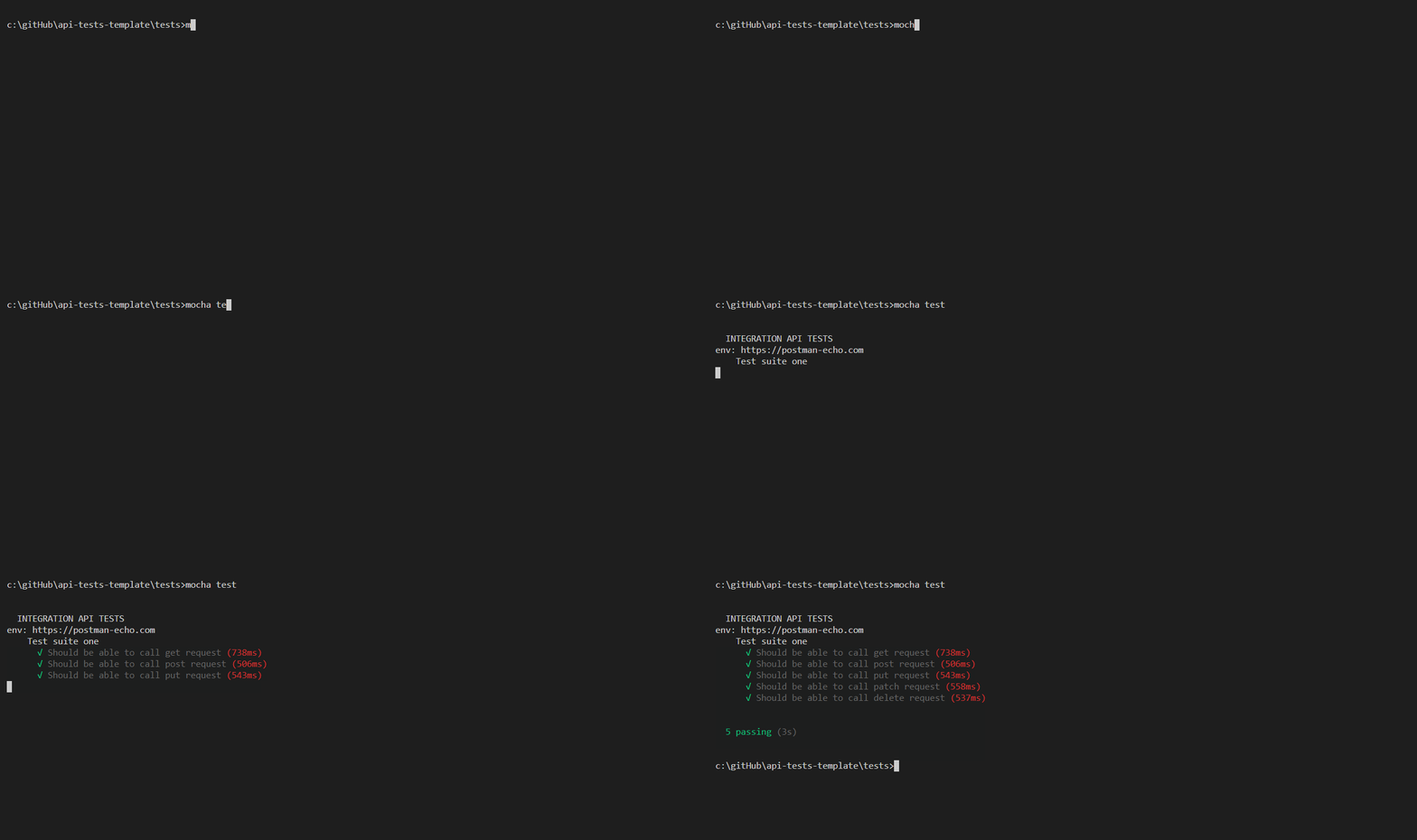
| Name | Name | Last commit date | ||
|---|---|---|---|---|
Visual Studio Code (VSC) Available here
Node From here
Open project folder in VSC
Run npm install from command line to get all the necessary packages
To run the tests using Mocha, do:
$ npm run test